Managing Digital Wellbeing: Best Apps to Control Screen Time in 2026
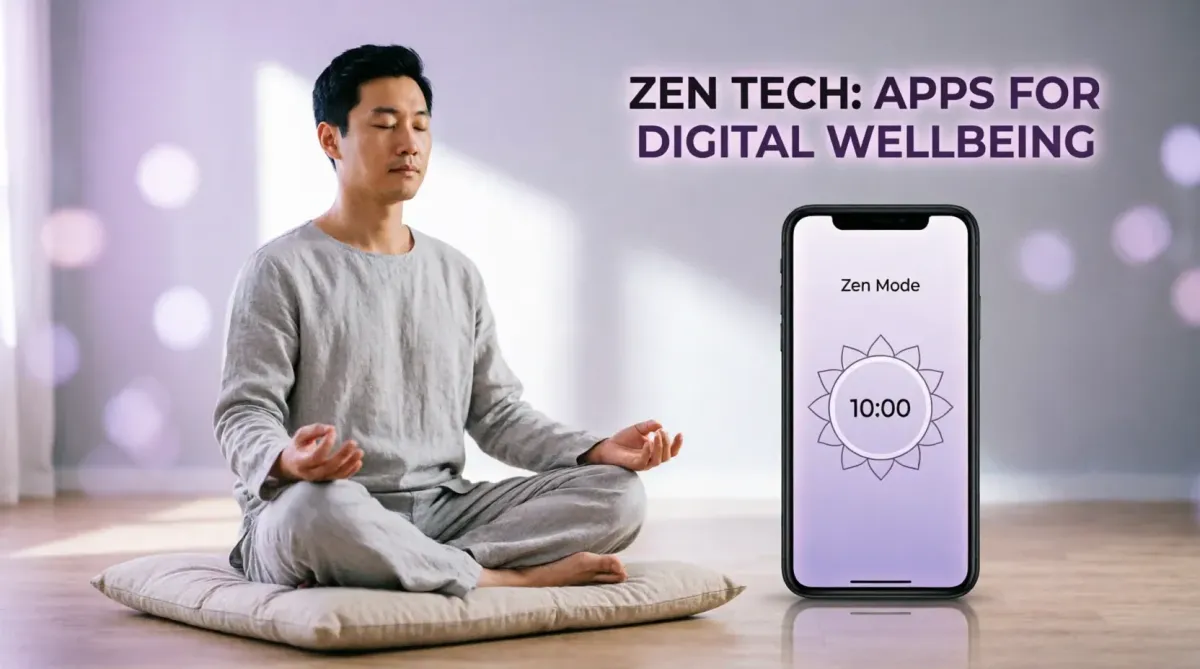
By 2026, the average person spends over nine hours a day interacting with screens. While technology has made us more productive, it has also introduced "Digital Fatigue" and shortened attention spans. Managing your Digital Wellbeing is no longer a luxury; it is a vital survival skill for the modern professional. At TipsForAITech, we believe that the same AI that powers our distractions can also be used to reclaim our focus.
This 1500+ word comprehensive guide explores the best tools and strategies to balance your digital life. Whether you are exploring hidden Android features or optimizing your smartphone battery, protecting your mental energy is the ultimate productivity hack.
1. Opal: The Proactive Screen Time Shield
In 2026, Opal has become the gold standard for screen time management. Unlike basic built-in timers, Opal uses a VPN-based blocking system that makes it virtually impossible to "bypass" your limits during deep work sessions. It categorizes apps based on their "dopamine hit" and allows you to set "Focus Shields" that automatically activate during your most productive hours.
2. Freedom: Multi-Platform Focus Control
Distraction doesn't just happen on your phone. Freedom allows you to block distracting websites and apps across your Mac, Windows PC, and mobile devices simultaneously. If you block social media on your phone, it’s blocked on your desktop too. This is an essential tool for those working in virtual office environments who need to maintain a singular focus.
3. Forest: Gamifying Your Concentration
If you need a psychological incentive, Forest is a 2026 favorite. When you want to focus, you "plant a tree" in the app. If you leave the app to check a notification, your tree withers and dies. Over time, you build a digital forest representing your focused hours. The best part? The company partners with real-world organizations to plant actual trees based on your virtual success.
4. Endel: AI-Driven Soundscapes for Focus
Digital wellbeing isn't just about stopping; it's about starting the right way. Endel uses AI to generate personalized soundscapes that adapt to your heart rate, weather, and time of day. It helps your brain enter a "Flow State" faster, reducing the urge to mindlessly scroll. This is a perfect companion when using NLP summarization tools for intensive reading.
5. OneSec: Breaking the "Dopamine Loop"
Have you ever opened an app without even realizing it? OneSec forces you to take a deep breath before a distracting app opens. This "Intervention" breaks the subconscious habit of checking social media, giving your prefrontal cortex a second to decide if you *really* want to spend time on that app. It’s a simple but effective example of behavioral automation.
[Image showing the OneSec intervention screen: "Take a deep breath before opening Instagram"]6. Minimalist Phone: Simplifying the Interface
The colorful icons on your phone are designed to grab your attention. Minimalist Phone is a custom launcher for Android that turns your interface into a text-based, monochrome list. By removing the visual "lure" of icons, it significantly reduces screen time. This mirrors the professional efficiency we see in developer-focused workflows.
7. Sleep Town: Prioritizing Your Rest
Screens are the biggest enemy of sleep in 2026. Sleep Town works like Forest but for your sleep schedule. You set a goal for when to put your phone down, and if you succeed, a building is constructed in your virtual town. This helps professionals maintain the energy levels needed for complex development projects the next morning.
8. Utilizing Built-in "Digital Wellbeing" (Android) and "Screen Time" (iOS)
Don't ignore the tools already on your device. In 2026, these native features include AI Weekly Reports that analyze which apps are "Time Sinks." Use these reports to set hard app limits. As we noted in our mobile security guide, reducing your digital footprint also improves your overall device safety.
9. The Role of Grayscale Mode
A "Hidden Feature" (as discussed in our Android secrets guide) is Grayscale Mode. By turning your screen black and white, you make the digital world significantly less stimulating. This is particularly useful in the evenings when you want to wind down without the blue-light stimulation of a vibrant display.
10. Conclusion: Focus as a Finite Resource
In 2026, your attention is the most valuable commodity on the planet. Companies spend billions trying to capture it; you must spend effort to protect it. By using these digital wellbeing apps, you aren't just "cutting back"—you are reclaiming your cognitive freedom. A balanced digital life allows you to be a more creative, present, and effective human being.
Stay ahead of the technology and wellness revolution by following TipsForAITech. Whether you're looking for productivity apps or writing assistants, we are your partner in the 2026 digital landscape.