What Is No Code Development A Complete Beginner Guide for 2026
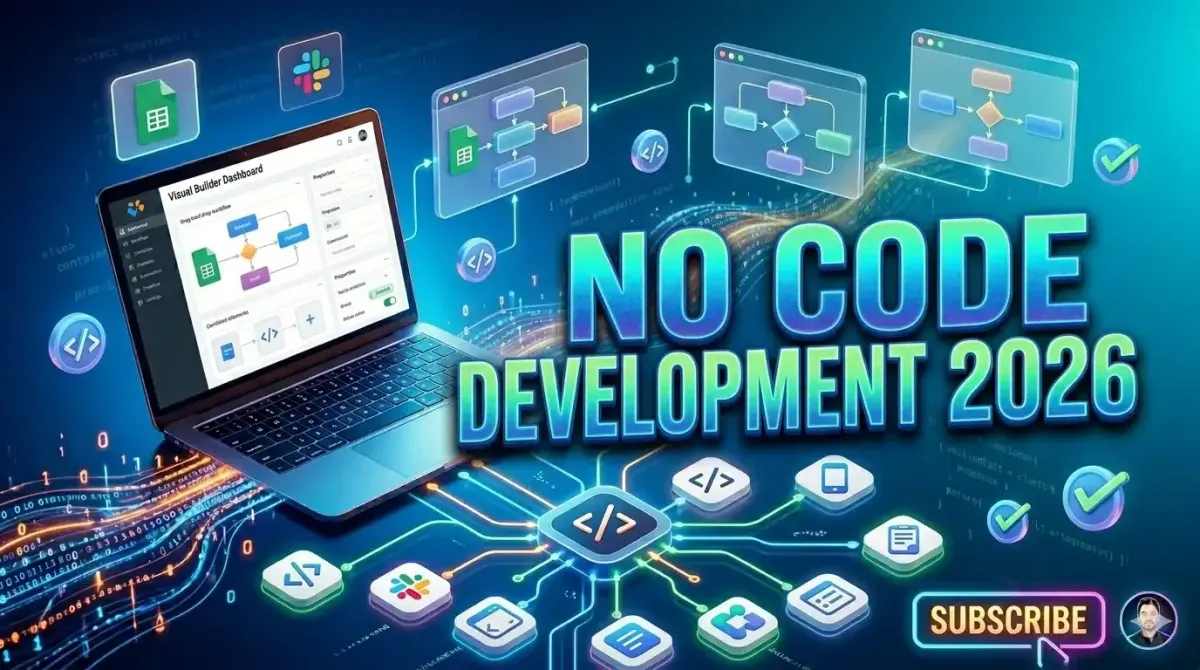
No code development empowers individuals to build functional applications, automate workflows, and launch digital products without writing traditional programming code. In 2026, no code platforms have matured to support complex enterprise applications, AI integrations, and scalable architectures, making them accessible to entrepreneurs, business analysts, and creative professionals. This comprehensive beginner guide explains core concepts, evaluates leading platforms, provides step by step implementation workflows, and outlines career pathways for aspiring citizen developers. Whether you aim to prototype a startup idea, automate internal processes, or transition into tech without a computer science degree, no code development offers a practical entry point with measurable ROI and rapid iteration cycles.
Understanding No Code Development Fundamentals
No code development represents a paradigm shift in software creation, abstracting programming complexity behind intuitive visual builders. Instead of typing syntax in an integrated development environment, users configure logic flows, design interfaces, and connect data sources through graphical editors. This approach reduces time to market by 60 to 80 percent compared to traditional development while lowering barriers to technical experimentation.
Modern no code platforms incorporate artificial intelligence to suggest workflows, optimize database schemas, and generate responsive designs automatically. For instance, describing a desired feature in natural language can trigger AI assisted component placement and logic configuration. This convergence of no code and AI accelerates prototyping while maintaining flexibility for custom business rules.
For beginners exploring automation capabilities, understanding top 5 AI tools to automate your daily repetitive tasks provides context for how no code workflows integrate with intelligent assistants to streamline operations without engineering overhead.
No Code Versus Low Code Versus Traditional Development
Clarifying terminology prevents confusion when evaluating development approaches. No code platforms require zero programming knowledge, targeting business users and citizen developers. Low code environments allow optional code injection for advanced customization, appealing to professional developers seeking velocity. Traditional development demands full stack programming expertise but offers maximum control and performance optimization.
| Factor | No Code | Low Code | Traditional Code |
|---|---|---|---|
| Technical Skill Required | None to basic | Intermediate programming | Advanced engineering |
| Time to Launch MVP | 1 to 4 weeks | 2 to 8 weeks | 3 to 6 months |
| Customization Flexibility | Limited to platform features | High with code extensions | Unlimited |
| Scalability Potential | Small to medium workloads | Medium to enterprise | Enterprise to global scale |
| Typical Cost Range | 50 to 500 USD monthly | 200 to 2000 USD monthly | 5000 to 50000 USD initial |
Choosing the right approach depends on project complexity, team capabilities, and long term maintenance requirements. No code excels for validation, internal tools, and content driven applications. Low code suits enterprises requiring integration with legacy systems. Traditional development remains essential for performance critical or highly specialized software.
Leading No Code Platforms for Beginners in 2026
The no code ecosystem has consolidated around specialized platforms serving distinct use cases. Beginners should select tools aligned with their primary goal rather than seeking a universal solution.
Web Application Builders: Bubble enables complex web apps with user authentication, database relationships, and API integrations. Webflow excels at marketing sites and content management with pixel perfect design control. Softr simplifies turning Airtable bases into client portals and internal dashboards.
Mobile App Prototypers: Adalo and Glide convert spreadsheets into functional mobile experiences. FlutterFlow offers more advanced customization with optional code export for native deployment. These tools support push notifications, offline mode, and app store submission workflows.
Automation and Workflow Platforms: Zapier and Make connect thousands of apps through trigger action logic. For founders managing distributed teams, integrating top 5 SaaS platforms for managing global remote teams into no code workflows ensures seamless collaboration across time zones without custom development.
AI Enhanced Builders: Emerging platforms like Durable and 10Web use generative AI to create entire websites from text prompts. These tools accelerate initial setup but may require manual refinement for brand consistency and advanced functionality.
Step by Step Workflow for Building Your First No Code App
Follow this structured process to transform an idea into a functional prototype within one weekend:
- Define Core Value Proposition: Articulate the single problem your app solves and the primary user action. Avoid feature creep during initial development.
- Select Appropriate Platform: Match your use case to platform strengths. Choose Bubble for complex logic, Webflow for content sites, or Softr for data driven portals.
- Design User Interface: Sketch wireframes on paper or use Figma for digital mockups. Prioritize mobile responsiveness and clear navigation paths.
- Configure Data Structure: Define collections, fields, and relationships in your platform database. Start minimal and expand iteratively based on user feedback.
- Build Core Workflows: Implement essential user journeys like sign up, primary action, and result display. Test each flow thoroughly before adding secondary features.
- Integrate External Services: Connect payment processors, email providers, or analytics tools using native integrations or API connectors.
- Conduct User Testing: Share prototype with 5 to 10 target users. Observe interactions, collect feedback, and prioritize improvements for version two.
For beginners concerned about technical foundations, reviewing a practical guide to building your first machine learning model provides transferable concepts about iterative development and validation that apply to no code projects.
Essential No Code Skills for Beginner Success
While no code eliminates syntax memorization, successful builders cultivate specific competencies:
- Logical Thinking: Breaking down processes into sequential steps and conditional branches mirrors programming logic without code syntax.
- Data Modeling: Understanding entities, attributes, and relationships enables efficient database design and query optimization.
- User Experience Principles: Applying usability heuristics ensures intuitive interfaces that reduce support burden and increase adoption.
- API Literacy: Recognizing how services communicate via REST endpoints expands integration possibilities beyond native connectors.
- Iterative Mindset: Embracing rapid prototyping and continuous improvement aligns with no code velocity advantages.
For content creators leveraging no code tools, exploring the future of content creation how generative AI is changing the game reveals strategies for automating content workflows within no code applications.
Monetization Strategies for No Code Projects
No code applications can generate revenue through multiple models depending on target audience and value delivery:
Subscription SaaS: Charge monthly or annual fees for ongoing access to your application. Tier pricing based on feature sets, usage limits, or user seats to capture different customer segments.
Transaction Fees: Take a percentage of payments processed through your platform. This model aligns incentives with customer success and scales with their growth.
Freemium Conversion: Offer core functionality free while gating advanced features behind paid upgrades. This approach reduces acquisition friction and demonstrates value before purchase.
White Label Licensing: Allow other businesses to rebrand and resell your solution. This strategy multiplies revenue potential through partner distribution channels.
For financial operations within no code apps, connecting to how to automate your accounting using modern SaaS tools ensures accurate revenue tracking, expense management, and tax compliance without manual spreadsheet work.
Common Beginner Mistakes and How to Avoid Them
New no code builders encounter predictable pitfalls that delay launches or compromise quality. Proactive awareness enables avoidance:
Over Engineering Initial Version: Attempting to build every imagined feature before launch creates paralysis. Solution: Define minimum viable product scope ruthlessly and ship within two weeks maximum.
Neglecting Data Structure Planning: Poor database design leads to complex workarounds and performance issues later. Solution: Sketch entity relationships on paper before configuring platform databases.
Ignoring Mobile Responsiveness: Designing only for desktop excludes growing mobile user segments. Solution: Test interfaces on multiple screen sizes throughout development using platform preview tools.
Underestimating Maintenance Needs: No code apps require updates for platform changes, security patches, and feature enhancements. Solution: Allocate 10 to 20 percent of development time to documentation and technical debt reduction.
Skipping User Testing: Assuming interface intuition without validation leads to poor adoption. Solution: Conduct structured usability tests with target users before public launch.
Scaling No Code Applications Beyond Prototypes
Successful prototypes often require architectural adjustments for production scale. Implement these practices to support growth:
- Database Optimization: Add indexes to frequently queried fields, archive historical data, and implement pagination for large result sets.
- Performance Monitoring: Track page load times, API response latency, and error rates using built in analytics or external tools like LogRocket.
- Security Hardening: Enforce strong password policies, implement rate limiting on authentication endpoints, and regularly audit user permissions.
- Backup and Recovery: Schedule automated database exports and test restoration procedures quarterly to ensure business continuity.
- Team Collaboration: Use version control features, staging environments, and change documentation to coordinate multiple contributors safely.
For developers considering hybrid approaches, understanding top 5 modern frameworks every full stack developer should learn helps identify when to extend no code apps with custom code for specialized functionality.
Career Pathways in No Code Development
No code expertise opens diverse professional opportunities beyond traditional software engineering roles:
Citizen Developer: Business analysts, operations managers, and marketing specialists build internal tools that improve departmental efficiency. This role often emerges organically within organizations seeking digital transformation.
No Code Consultant: Freelancers help clients select platforms, design workflows, and train teams. Rates typically range from 75 to 200 USD hourly depending on specialization and portfolio strength.
Product Builder: Entrepreneurs launch independent SaaS products using no code foundations. Success requires combining technical execution with market validation and customer acquisition skills.
Platform Specialist: Deep expertise in a specific tool like Bubble or Webflow enables premium positioning for complex implementations and enterprise clients.
For those exploring adjacent technical skills, reviewing is GitHub Copilot the best development tool for beginners provides perspective on how AI assistance complements no code workflows for hybrid development approaches.
Future Trends Shaping No Code Development
The no code landscape continues evolving with technological advances and market demands. Key trends for 2026 and beyond include:
- AI Assisted Building: Natural language prompts generating complete workflows, with human oversight for refinement and quality control.
- Enterprise Governance: Enhanced admin controls, audit logs, and compliance features enabling no code adoption in regulated industries.
- Cross Platform Portability: Export capabilities allowing no code projects to transition to traditional codebases as complexity grows.
- Vertical Specialization: Industry specific templates and components for healthcare, finance, education, and other regulated sectors.
- Collaborative Development: Real time co editing, comment threads, and role based permissions mirroring modern design tool workflows.
Understanding the future of SaaS top trends to watch this year helps no code builders anticipate platform evolution and align projects with emerging market opportunities.
Getting Started Today: Actionable First Steps
Begin your no code journey with these immediate actions:
- Choose One Platform: Select Bubble, Webflow, or Softr based on your primary use case. Avoid tool hopping during initial learning.
- Complete Official Tutorials: Dedicate 4 to 6 hours to platform documentation and guided projects before attempting original builds.
- Replicate a Simple App: Recreate a todo list, contact form, or blog to understand core mechanics without creative pressure.
- Join Community Forums: Participate in platform specific communities for troubleshooting, inspiration, and networking opportunities.
- Build a Micro Project: Launch a functional prototype solving a personal pain point within two weeks to cement learning through application.
For inspiration on leveraging modern tools, explore top 25 ChatGPT prompts every developer should know to accelerate documentation writing and workflow planning within no code projects.
Conclusion: Empowering Innovation Through Accessible Development
No code development democratizes software creation, enabling individuals and organizations to transform ideas into functional applications without traditional programming barriers. In 2026, mature platforms, AI assistance, and robust communities provide unprecedented support for beginner success. By focusing on clear problem definition, iterative development, and user centered design, no code builders can deliver tangible value while cultivating transferable technical skills.
The journey begins not with mastering every feature but with shipping a simple solution that helps one user. Embrace experimentation, learn from feedback, and iterate relentlessly. Whether building a startup, automating workflows, or advancing your career, no code development offers a practical pathway to digital creation in an increasingly software driven world.
Your first no code application awaits. Start building today.