
Understanding GPU VRAM: How Much Do You Really Need for AI in 2026?
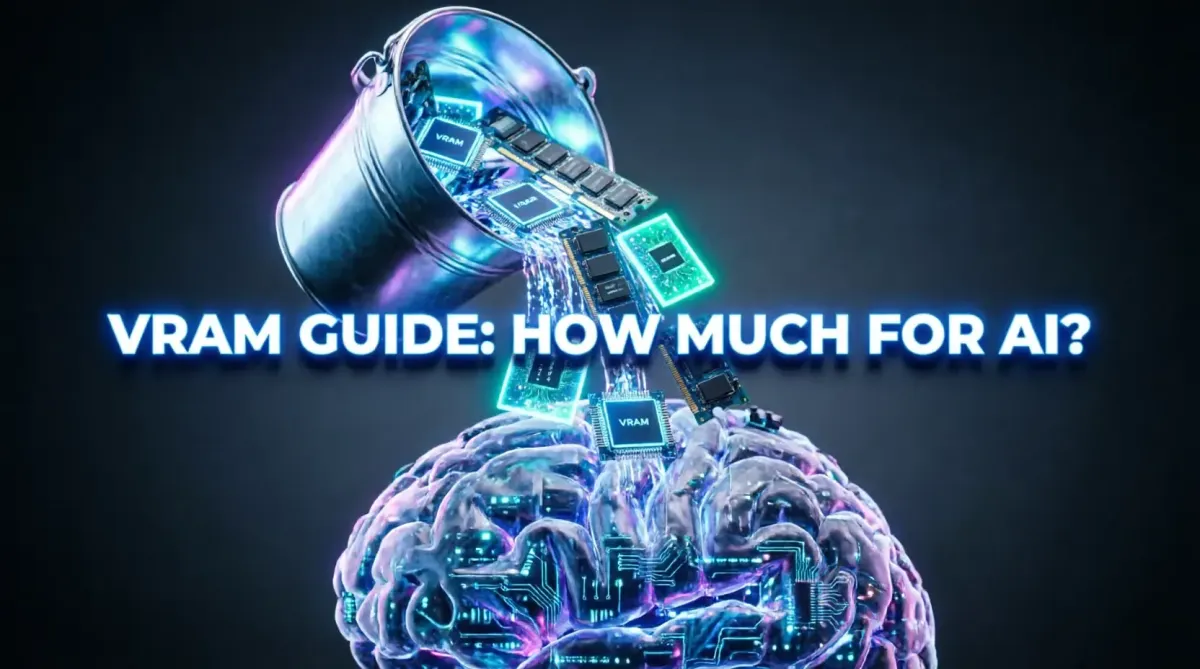
In 2026, the question "What GPU should I buy?" has a new primary answer: "How much VRAM do you need?" For years, gamers focused on clock speeds and frame rates, but the AI revolution has shifted the focus to VRAM (Video Random Access Memory). VRAM is the workspace where your AI models live while they process information. If this workspace is too small, your model simply won't run. Whether you are running a local Chatbot, generating AI art, or training a neural network, understanding VRAM is the key to a future-proof setup. At TipsForAITech, we are breaking down the VRAM requirements for the most popular AI tasks of 2026.
This 1500+ word comprehensive guide helps you decode the memory mystery. Whether you are choosing a GPU for professional rendering or learning about AI model training, VRAM is your most precious resource.
1. Why VRAM Matters for AI: The "Workspace" Concept
Think of the GPU cores as the "Workers" and VRAM as the "Desk." No matter how fast the workers are, they can only handle as much work as fits on the desk. In 2026, AI models—especially Large Language Models (LLMs)—are massive. They must be loaded entirely into the VRAM to function at high speeds. This is a level of data-intensive operation that mirrors complex big data management on Earth.
2. Running Local LLMs (Chatbots): The 8GB to 24GB Rule
In 2026, running a local AI assistant like Llama 4 or Mistral is a standard task.
- 8GB VRAM: The bare minimum. Can run small, highly compressed (quantized) 7B parameter models.
- 12GB - 16GB VRAM: The "Sweet Spot." Runs mid-sized models with high accuracy and speed.
- 24GB+ VRAM: The Professional Standard. Necessary for running high-fidelity models without losing "intelligence," a critical requirement for advanced AI writing assistants.
3. AI Art and Image Generation (Stable Diffusion & Beyond)
Generating AI images in 2026 requires more memory than ever due to higher resolutions. While 8GB can generate a basic image, 16GB is required for "ControlNet" and "LoRA" training, which allow you to fine-tune the AI’s style. This precision is essential for visual intelligence in robotics and professional design work.
4. Quantization: Squeezing Big Models into Small VRAM
One of the most important breakthroughs in 2026 is Model Quantization. This technique compresses an AI model so it takes up less space in your VRAM with minimal loss in quality. It’s like turning a high-res video into a high-quality MP4, a process similar to optimizing code for efficiency.
5. Training vs. Inference: Different VRAM Needs
There is a big difference between "using" an AI (Inference) and "teaching" it (Training).
- Inference: Requires enough VRAM to hold the model.
- Training: Requires much more, as the GPU must store the model, the training data, and the mathematical "gradients." For training, 24GB (like on the RTX 5090) is the entry-level, often requiring top-tier Blackwell hardware.
6. The Rise of Unified Memory (Mac Studio/Pro)
In 2026, Apple’s Unified Memory Architecture is a strong competitor for AI. Since the CPU and GPU share the same massive pool of RAM (up to 192GB+), Apple devices can run models that would require multiple $2,000 GPUs on a PC. This is a game-changer for developers choosing between Mac vs. Windows for AI development.
7. Multi-GPU Setups: Pooling VRAM
For those who need more than 24GB, 2026 offers VRAM Pooling through high-speed links. By connecting two GPUs, the AI can treat their VRAM as one large pool. This distributed power is a hallmark of modern SaaS infrastructure.
8. Security: Encrypting Data in VRAM
When you load a sensitive AI model into VRAM, it can be vulnerable. In 2026, modern GPU drivers include VRAM Encryption, ensuring that even if your system is compromised, the AI's "thoughts" remain private. Using passkeys and open-source security tools adds another layer of protection for small business AI deployments.
9. Using AI Writing Assistants for Hardware Budgeting
Pros use advanced writing assistants to draft hardware upgrade proposals and calculate the "ROI per GB" of VRAM, ensuring maximum professional productivity when building their AI rigs.
10. Conclusion: Future-Proofing Your AI Journey
In 2026, VRAM is the new currency of computing power. While you can get by with 8GB or 12GB for basic tasks, the rapidly growing size of AI models means that 16GB to 24GB is the only way to truly future-proof your investment. As AI becomes more integrated into our daily work and creative lives, having the "desk space" to handle these complex tasks will be the difference between a smooth experience and a frustrating bottleneck. Choose the most VRAM you can afford today, and you’ll be ready for the AI breakthroughs of tomorrow. The future is large—make sure your GPU is ready for it.
Stay at the forefront of the hardware and AI revolution by following TipsForAITech. Whether you're looking for development frameworks or scheduling mastery, we are your partner in the 2026 technology landscape.