
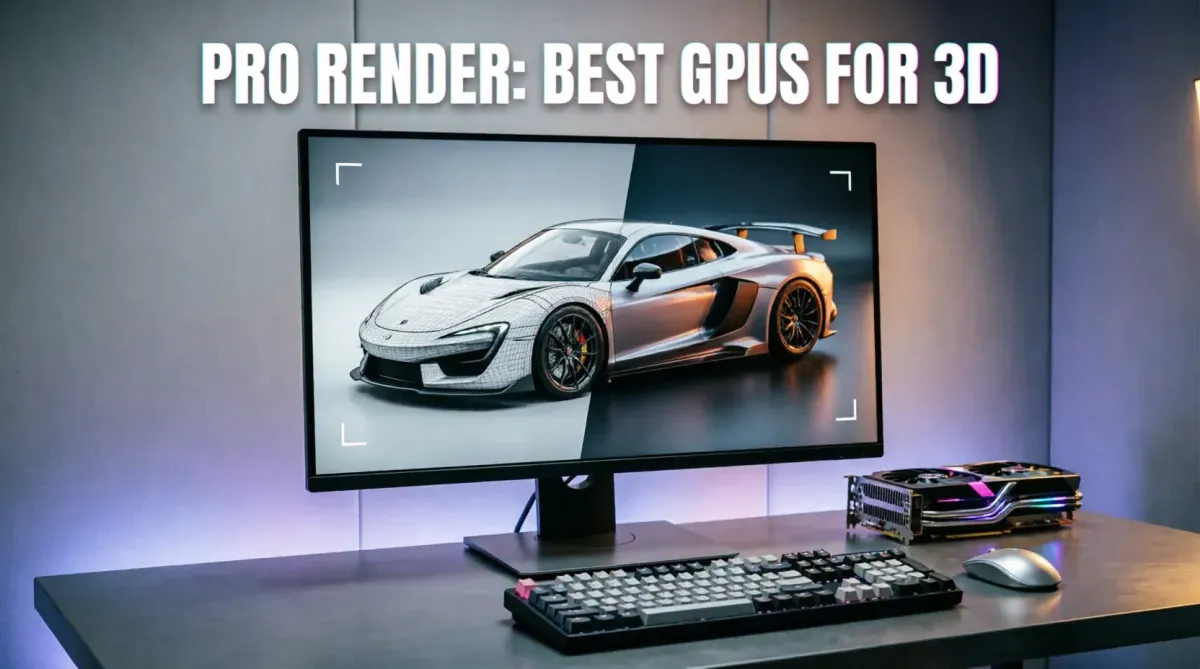
The Best GPUs for Professional Video Rendering and 3D Modeling (2026 Edition)
In 2026, the demand for high-fidelity visual content—from 8K cinema to complex architectural visualizations—has placed unprecedented pressure on the Graphics Processing Unit (GPU). For a creative professional, the GPU is no longer just about "displaying" images; it is the primary engine for computation. Choosing the wrong card can mean hours of wasted time in the render queue, while the right one can transform your workflow. At TipsForAITech, we have analyzed the latest hardware to bring you the best GPUs for professional high-performance tasks.
This 1500+ word comprehensive guide helps you select the perfect tool for your workstation. Whether you are evaluating the RTX 50-series or mastering ray tracing realism, your GPU is the heart of your creative output.
1. The Importance of VRAM in 2026
The single most important spec for professional rendering in 2026 is VRAM (Video RAM). When working with high-resolution textures or 8K video timelines, your GPU needs to store all that data locally. If you run out of VRAM, your system will crash or slow down to a crawl. For professional 3D modeling, 24GB is now the recommended minimum, a requirement that mirrors complex big data management needs.
2. The Unrivaled King: NVIDIA RTX 5090
In 2026, the RTX 5090 stands alone as the best consumer-grade card for professionals. With 32GB of GDDR7 memory and an massive jump in CUDA cores, it crushes Blender and OctaneRender benchmarks.
The Edge: Its proprietary OptiX denoiser and AI-accelerated Ray Tracing make it the ultimate choice for training local AI models alongside your creative work.
3. The Workstation Specialist: NVIDIA RTX 6000 Ada Generation
For large-scale studios, the RTX 6000 Ada is the gold standard. While significantly more expensive than the 5090, it offers 48GB of VRAM and ECC (Error Correction Code) memory. This ensures stability for long, multi-day renders where a single data error could ruin the project, a level of reliability essential for critical mission-control systems.
4. AMD’s Professional Answer: Radeon Pro W7900
In 2026, AMD’s Radeon Pro W7900 offers incredible value, especially for video editors. With its DisplayPort 2.1 support and massive VRAM, it handles 12K timelines with ease. AMD is often the preferred choice for those using Linux-based development environments due to their superior open-source drivers.
5. The Balanced Mid-Range: NVIDIA RTX 5070 Ti
Not everyone needs a $2,000 card. The RTX 5070 Ti is the "Sweet Spot" for freelance editors and junior 3D artists in 2026. It offers enough power for smooth 4K editing and 3D sculpting while being power-efficient enough for compact home studio setups.
[Image showing a comparison table for 2026: VRAM capacity, Render speed in Blender, and Price across RTX 5090, RTX 6000 Ada, and Radeon Pro W7900]6. Multi-GPU Setups and NVLink
In 2026, some rendering engines can utilize multiple GPUs simultaneously. By stacking two RTX 50-series cards, professionals can effectively double their rendering throughput. This high-speed interconnection is similar to the distributed processing used in modern SaaS platforms.
7. AI-Accelerated Rendering (DLSS 4 and Ray Reconstruction)
Modern professional tools now integrate DLSS 4 and AI Ray Reconstruction. These technologies allow you to see a high-quality "Preview" of your render in real-time, drastically speeding up the creative iteration process, a trend we also see in AI-driven industrial transformations.
8. Security: Protecting Proprietary Assets
Creative files are valuable intellectual property. In 2026, professional GPU drivers include hardware-level encryption to protect your project files during the rendering process. Using Passkey-protected administrative access ensures your renders are never intercepted or tampered with on monitored networks.
9. Using AI Writing Assistants for Project Manifestos
Producers and art directors use advanced writing assistants to document render settings and technical requirements for global teams, ensuring maximum professional productivity across the production pipeline.
10. Conclusion: Invest in Your Efficiency
In 2026, your GPU is the single most important factor in your creative output. Whether you choose the raw power of the RTX 5090 or the professional stability of the Radeon Pro, you are investing in your most precious asset: Time. A faster GPU doesn't just make better pictures; it allows you to iterate more, learn faster, and deliver projects on time. The future of 3D and video is built on silicon—make sure yours is up to the task. Choose the best, and let your creativity run at full speed.
Stay at the forefront of the hardware and AI revolution by following TipsForAITech. Whether you're looking for development frameworks or scheduling mastery, we are your partner in the 2026 technology landscape.