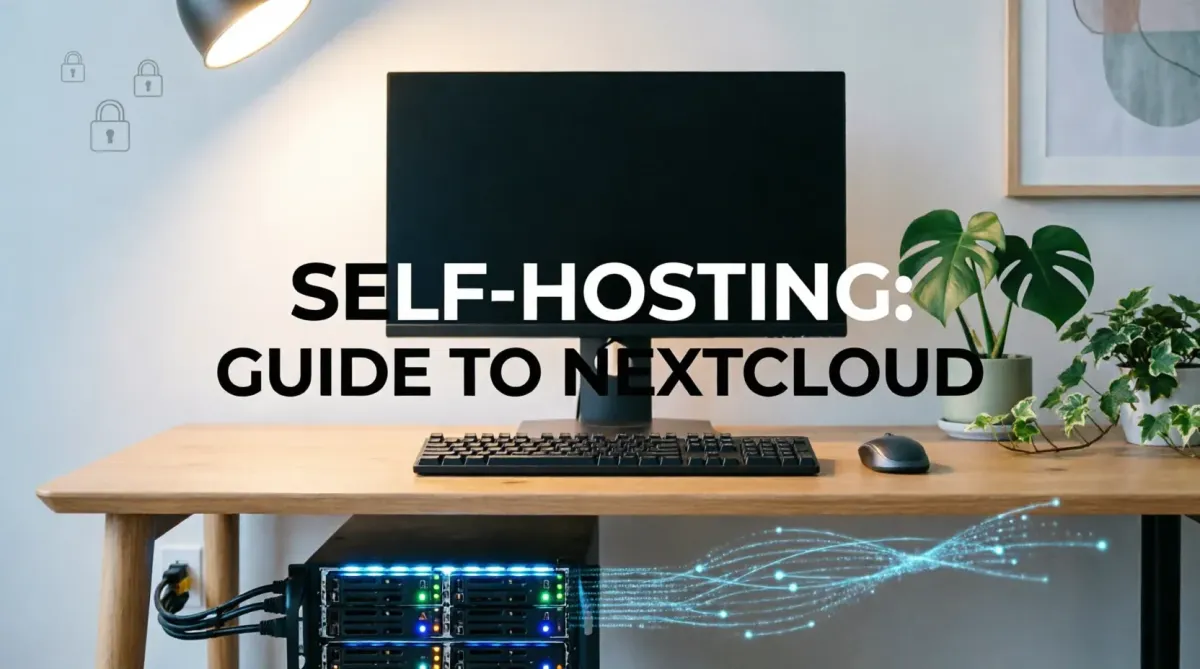
Self-Hosting Your Own Cloud: A Guide to Using Nextcloud in 2026
In 2026, the concept of Data Sovereignty has become a priority for professionals and privacy enthusiasts alike. While mainstream cloud providers offer convenience, they often come at the cost of your privacy and escalating subscription fees. Nextcloud is the premier open-source solution that allows you to host your own cloud, giving you 100% control over your files, contacts, and calendars. At TipsForAITech, we believe that your data should belong to you, and you alone.
This 1500+ word comprehensive guide will walk you through the journey of self-hosting. Whether you are switching to open-source creative tools or securing your home network, Nextcloud is the ultimate anchor for your digital life.
1. What is Nextcloud Hub in 2026?
Nextcloud is no longer just a "file sync" tool. In 2026, Nextcloud Hub is a complete collaboration suite. It includes:
- Nextcloud Files: High-speed file syncing and sharing.
- Nextcloud Talk: Private, encrypted video calls and chat.
- Nextcloud Office: Collaborative document editing compatible with MS Office formats.
- Nextcloud AI: Local AI assistance for summarizing documents and generating images without sending data to the cloud.
2. Choosing Your Hardware: From Raspberry Pi to Pro Servers
In 2026, you have several options for hosting:
- Raspberry Pi 5/6: Perfect for a single-user home cloud.
- Old PC/Laptop: An eco-friendly way to repurpose hardware for optimized performance.
- NAS (Synology/TrueNAS): The most stable choice for small businesses.
- VPS (DigitalOcean/Linode): Ideal if you want the benefits of self-hosting but don't want to manage physical hardware.
3. The Installation Process: Docker is Your Friend
While you can install Nextcloud manually, in 2026, Docker is the recommended method. It keeps your installation isolated and easy to update. As we discussed in our Docker vs. Kubernetes guide, using containers ensures that your Nextcloud environment remains clean and portable.
4. Securing Your Private Cloud
Hosting your own cloud means you are responsible for its security. In 2026, you must implement:
- SSL/TLS Encryption: Use "Let's Encrypt" for secure connections.
- Two-Factor Authentication (2FA): A mandatory step as noted in our 2FA safety guide.
- Passkey Support: Nextcloud now natively supports Passkeys for a passwordless, secure login experience.
5. Nextcloud Talk: Reclaiming Your Conversations
Stop relying on Zoom or WhatsApp for sensitive discussions. Nextcloud Talk ensures that your video calls and chat logs stay on *your* server. This is essential for global remote teams who handle proprietary information.
6. Automated Backups: The "Anti-Ransomware" Strategy
Self-hosting without a backup is a disaster waiting to happen. In 2026, use tools like Restic or Borg to encrypt and sync your Nextcloud data to an offsite location. This is a primary defense against ransomware attacks.
7. Integrating Nextcloud with Professional Workflows
Nextcloud integrates seamlessly with creative workflows. You can use it as an external storage mount in your favorite apps, ensuring that your raw assets and 3D files are always backed up and version-controlled.
8. The Role of Nextcloud AI (Local LLMs)
One of the most exciting features of 2026 is the Nextcloud Assistant. It uses local Large Language Models (LLMs) to help you write emails and summarize threads. Unlike commercial AI, your data never leaves your server, fulfilling the promise of safe and private AI deployment.
9. Managing Your Digital Wellbeing with Nextcloud
Nextcloud includes apps for task management (Deck) and note-taking. By centralizing your digital life into one private ecosystem, you reduce the notification noise of dozens of different SaaS apps, supporting your digital wellbeing goals.
10. Conclusion: Reclaiming Your Digital Freedom
Self-hosting Nextcloud in 2026 is not just a technical project; it is a declaration of independence. It marks the transition from being a "product" of Big Tech to being the "owner" of your digital assets. While it requires a bit more effort than a standard subscription, the peace of mind, privacy, and long-term cost savings make it one of the most rewarding tech journeys you can take. Your cloud, your rules.
Stay ahead of the open-source and AI revolution by following TipsForAITech. Whether you're looking for OS comparisons or productivity mastery, we are your partner in the 2026 technology landscape.